mmWave ISAC point cloud data collection System

This repository contains codes for mmwave point clouds, lidar point clouds and depth camera data collection. For each data modality, there’s a script providing specific fucntion/class.

Project Structure

1
2
3
4
5
6
7
8
9
10
11
12
13
14
15
16
17
18
19
20
21
22
23
24
25
26
27
28
29
30
31
├── collect_cam_radar.py             # collect depth camera & mmwave data
├── depth_camera_rec.py # mini test for depth camera recording
├── depth_cam_postprocessor.py # post processing for depth camera data
├── dualcam.py # functions related to depth camera
├── lidar.py # functions related to lidar
├── main_collect_P_radar_lidar.py # collect lidar & mmwave data
├── data # store collected data (timestamp)
│ ├── 1761012485744354782
│ ├── 1761274904121066263
│ └── .........
├── DEFINED # predefined matrix for isac data
│ ├── E.npy
│ ├── OUSTER_BEAM.json
│ └── RANDOM_BITS.npy
├── isac_host # isac processing folder
│ ├── ant_calib.bin
│ ├── cpp
│ ├── E_ant_pattern0.npy
│ ├── E_ant_pattern1.npy
│ ├── E_ant_pattern_all.npy
│ ├── E.npy
│ ├── IPAddressFinder.py
│ ├── main_isac_app.py # mmwave related functions
│ ├── ofdm.py
│ ├── plot_2d.py
│ ├── plot_3d.py
│ ├── __pycache__
│ ├── SpatialProjection.py
│ └── test.py
├── librealsense # depth camera(realsense) library
└── README.md

Usage

Prepare

  1. Connect Devices
  • Ensure the mmWave device, LiDAR device and depth camera are all physically connected and powered on.
  1. Start mmWave Service
  • On your host computer, open a browser and access: http://192.168.2.99:9090/tree?
  • Open a terminal in the web interface and execute:
    1
    2
    cd /home/xilinx/isac_rfsoc/
    ./run.sh
  1. Check LiDAR Connection
  1. (Optinal) Check RealSense Connection
  • If the librealsense has compiled following the instructions on the official website, you can just run realsense-viewer to check.
  • If the code is running on Ubuntu(<=24.04) or Windows, the prebuild packages can easily to be installed following the instructions for Ubuntu or for Windows.

Basic Usage

1
2
3
4
5
cd data_collection
python main_collect_P_radar_lidar.py $RECORD_DURATION # for lidar and radar
python collect_cam_radar.py $RECORD_DURATION # for depth camera and radar
# if collected depth camera data, then run
python depth_cam_postprocessor.py

Where RECORD_DURATION is the recording duration in seconds.

Output Data Structure

1
2
3
4
5
6
data/
└── <timestamp>/
├── realsense/ # Processed depth camera data
├── radar_points/ # processed radar point clouds
├── lidar_points/ # processed lidar point clouds
└── pose.jsonl # Recording pose trajectory(if using lidar data)

Dependencies

Installation

Install the required packages using pip:

1
pip install jsonlines numpy more-itertools ouster-sdk matplotlib realsense2 open3d pyvista

System Components

Predefined Data (DEFINED/)

  • E.npy: Antenna pattern projection matrices for spatial beamforming
  • OUSTER_BEAM.json: LiDAR beam angle configurations (azimuth/altitude angles)
  • RANDOM_BITS.npy: Predefined random bits for consistent QPSK symbol generation

Adjustable Parameters

  • main_collect_P_radar_lidar.py/collect_cam_radar.py: mask = strength > 0.5 can determine the minimum strength of output radar point clouds, which can reduce noise.
  • lidar.py: ouster_processor can adjust the output angle of point clouds, which can restrict saved region.
How to use Hexo blog

🚀 Overview

  1. Install Hexo
  2. Initialize your blog project
  3. Build static pages locally
  4. Preview locally
  5. Configure GitHub repository
  6. Deploy to GitHub Pages

Install Prerequisites

Make sure you have:

1
2
3
node -v
npm -v
git --version

If not, install them (Ubuntu example):

1
sudo apt install nodejs npm git

Node.js ≥ 16 is recommended.


Install Hexo

1
npm install -g hexo-cli

Initialize Your Blog

1
2
3
hexo init my-blog
cd my-blog
npm install

Folder structure:

1
2
3
4
5
my-blog/
├── _config.yml # main config
├── source/ # posts go here
├── themes/ # theme files
└── public/ # generated static site

Build & Preview Locally

Generate static pages

1
2
3
hexo generate
# or short form
hexo g

Run local preview server

1
2
3
hexo server
# or short form
hexo s

Then open:
http://localhost:4000


Deploy to GitHub Pages

Step 1: Create a new GitHub repo

Name it:

1
yourname.github.io

The repo name must match your GitHub username for Pages to work automatically.


Step 2: Install deployer plugin

1
npm install hexo-deployer-git --save

Step 3: Configure _config.yml

Add or modify at the bottom:

1
2
3
4
deploy:
type: git
repo: https://github.com/yourname/yourname.github.io.git
branch: main # or gh-pages

Step 4: Build & deploy

1
2
3
4
5
hexo clean
hexo generate
hexo deploy
# or shorthand
hexo g -d

This will:

  • Clean old build
  • Generate static files
  • Push to your GitHub Pages repo

View Your Site

After a few minutes, visit:
https://yourname.github.io/


⚙️ Common Issues

Problem Cause Fix
fatal: could not read Username GitHub auth missing Configure SSH or use a Personal Access Token
Deployer not found: git Plugin missing npm install hexo-deployer-git --save
Wrong branch Wrong config Change branch: in _config.yml
Blank page Didn’t generate files Run hexo g -d

🧠 Optional: Separate Source and Output Repos

You can keep:

  • Source code in hexo-source
  • Built site in yourname.github.io

That keeps your main repo small and clean.


Quick Command Summary

Task Command
Initialize blog hexo init my-blog
Generate pages hexo g
Preview locally hexo s
Clean cache hexo clean
Deploy to GitHub hexo d

Would you like me to give you a ready-to-use deploy.sh shell script that automatically builds and pushes your Hexo site to GitHub in one command?

Nice to Meet You!

Welcome to my(Geo Zhou’s) Blog! This is my first post to just introduce myself.

Hobbies

  • Playing computer games
  • Watching soccer games
  • Doing fitness
  • Trying to learn skating and other sports!

Make Friends

You can connect with me via many social media like Ins, X, Linkin, Wechat and ect..

Life progress

Completed:

  • Graduate from high school
  • Win a prize in a major match
  • Cook first meal
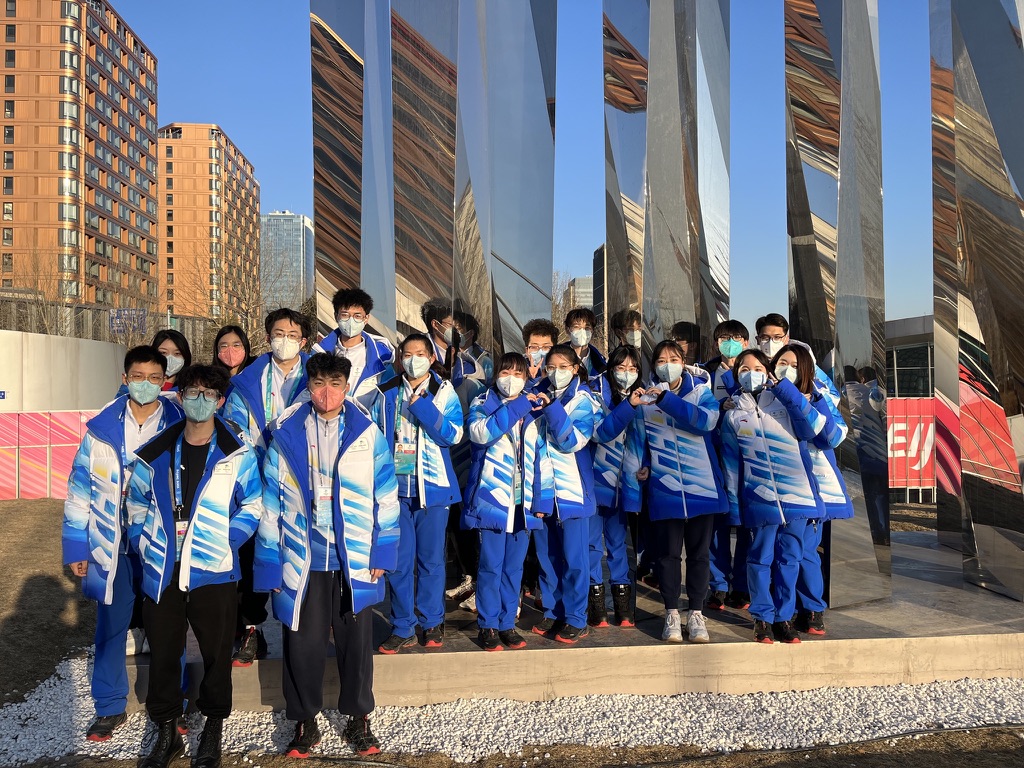
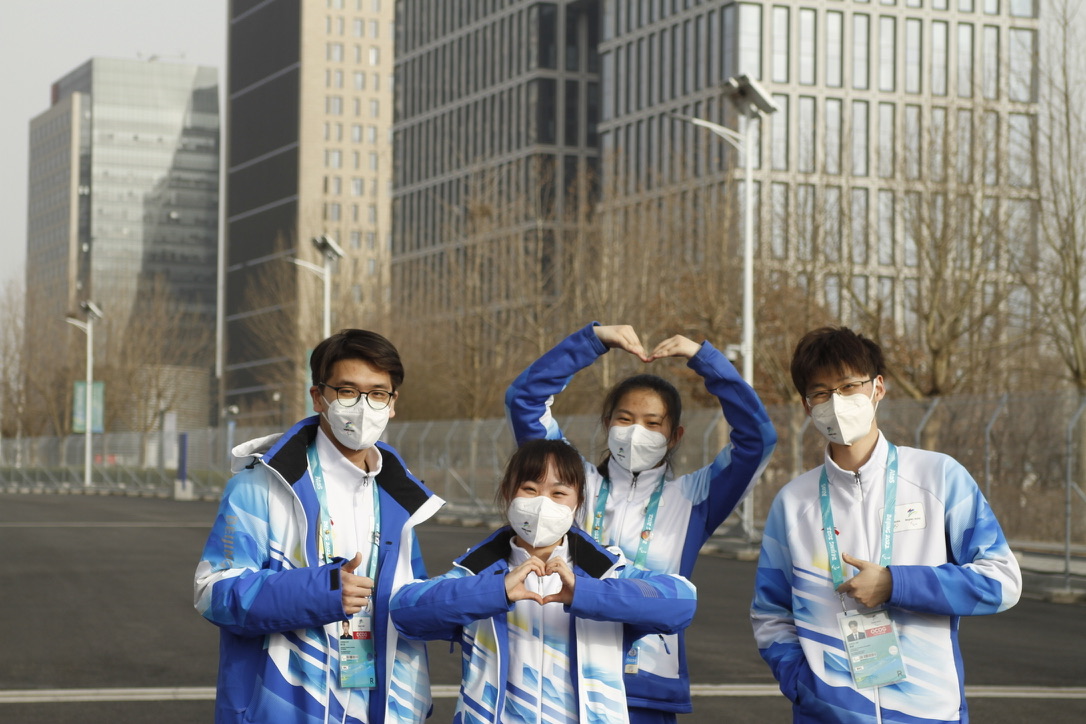
  • Volunteer in Olympic Games
  • Publish my first paper
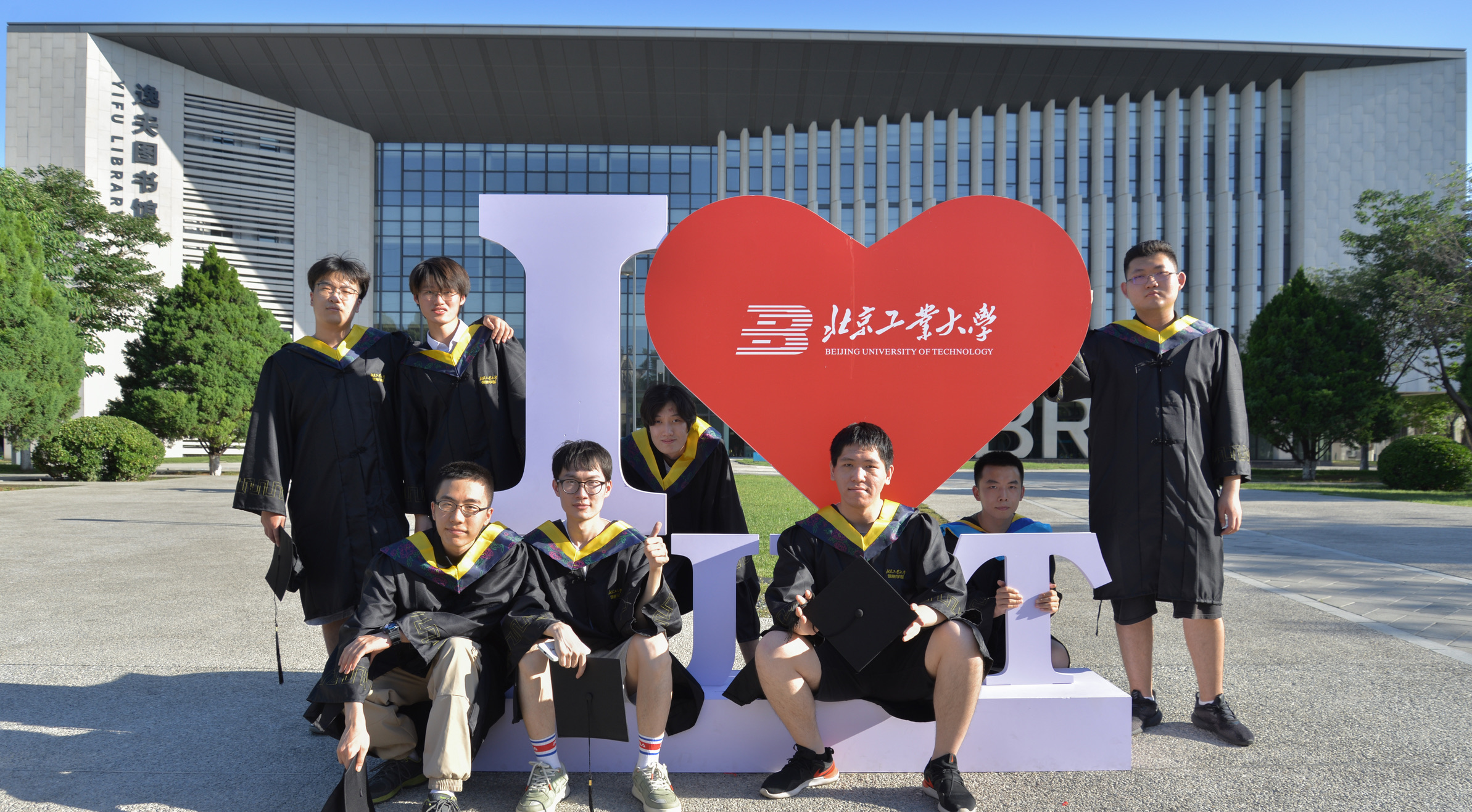
  • Graduate with bachelor degree
  • Become a ‘teacher’
  • Graduate with master degree

To-do:

  • Find life-long partner
  • Publish my first formal paper
  • Graduate with doctor degree
  • Meeting with more friends
  • Skating in MI
  • Visit NY, CA

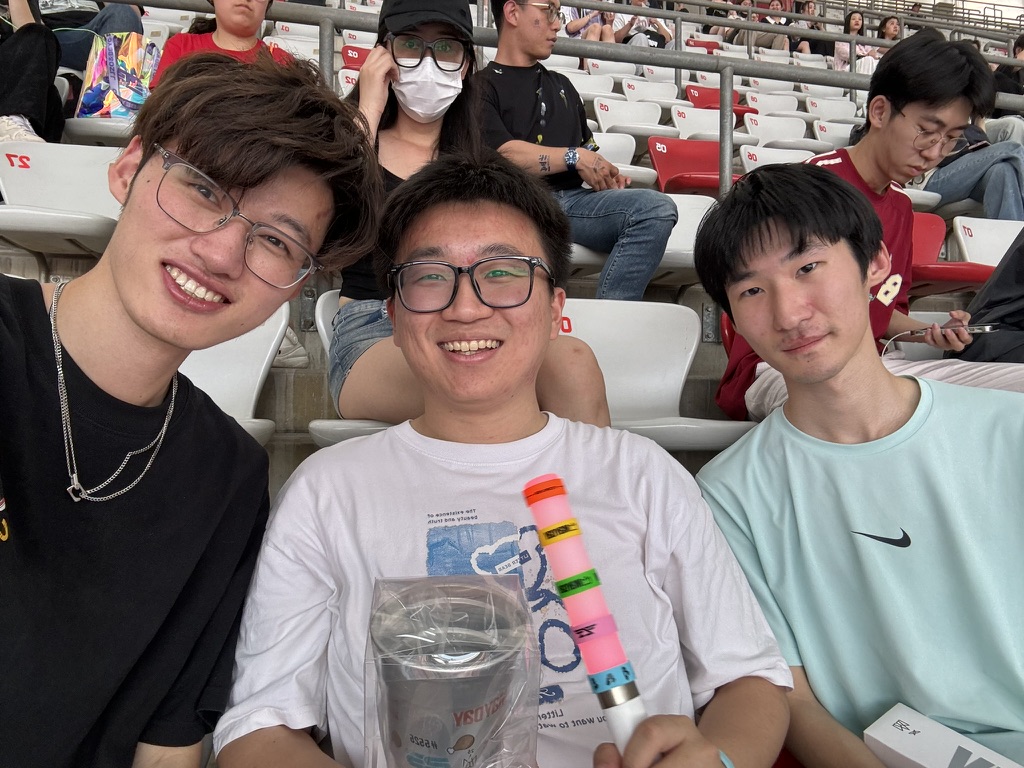
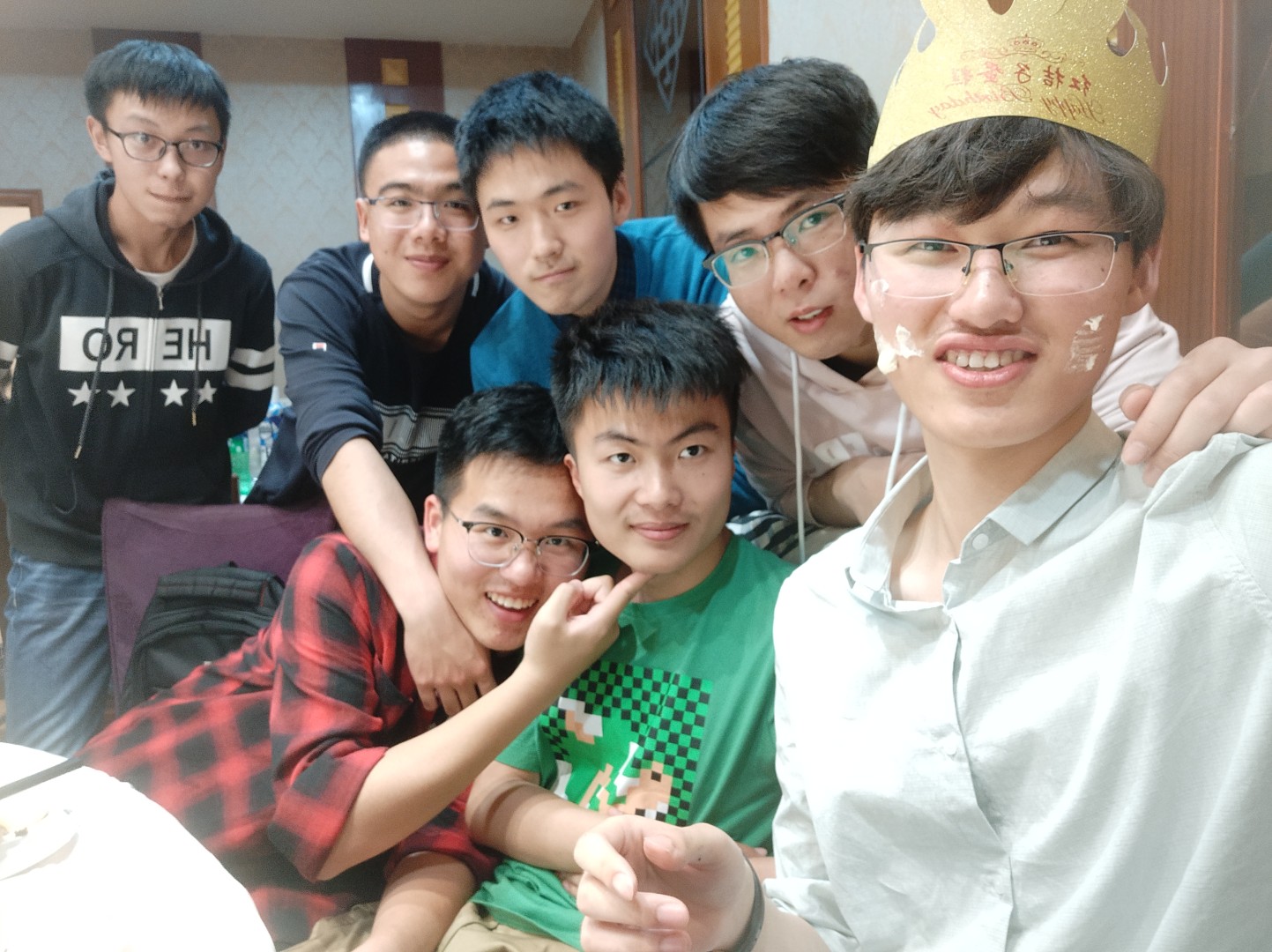
My friends

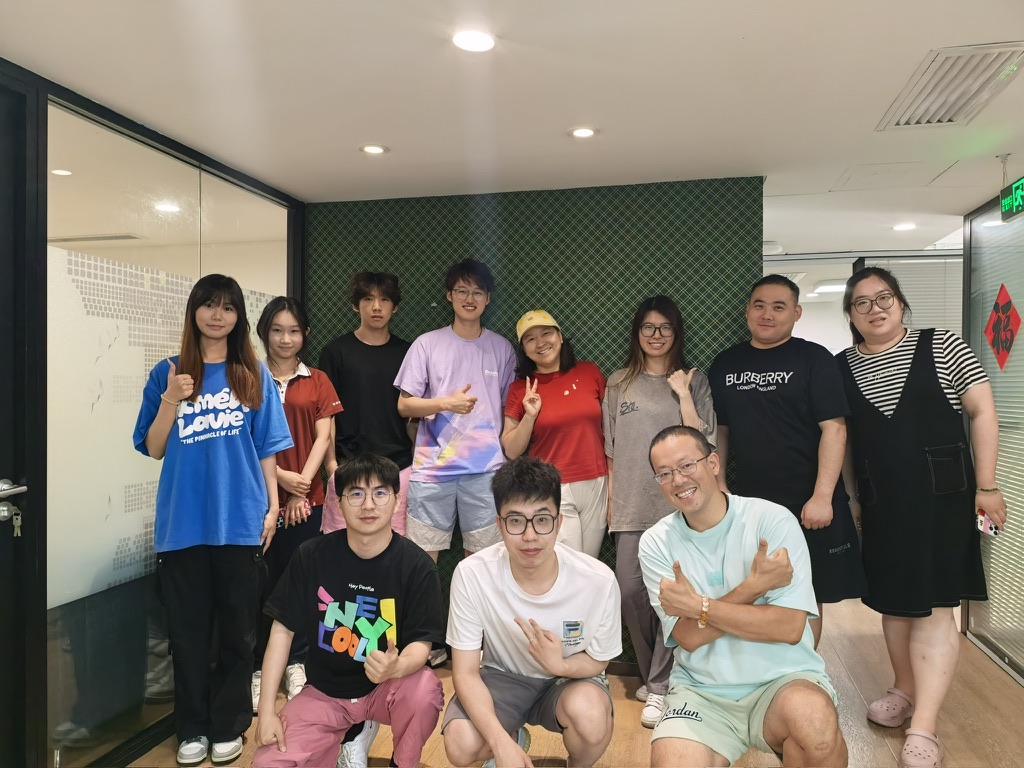
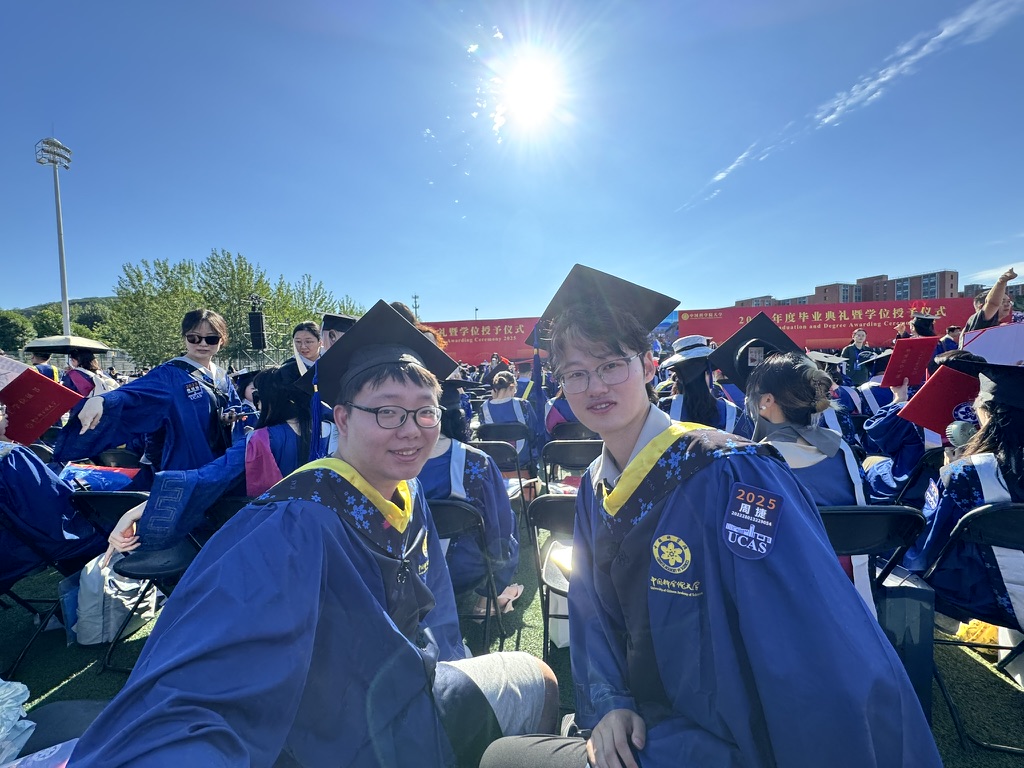
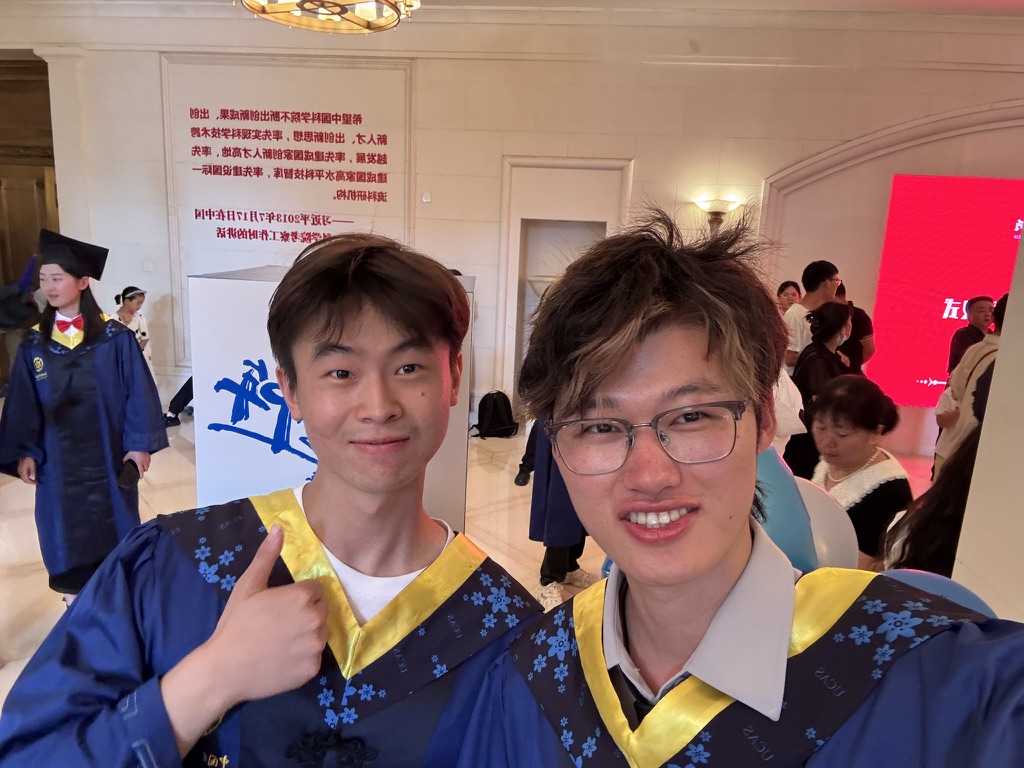
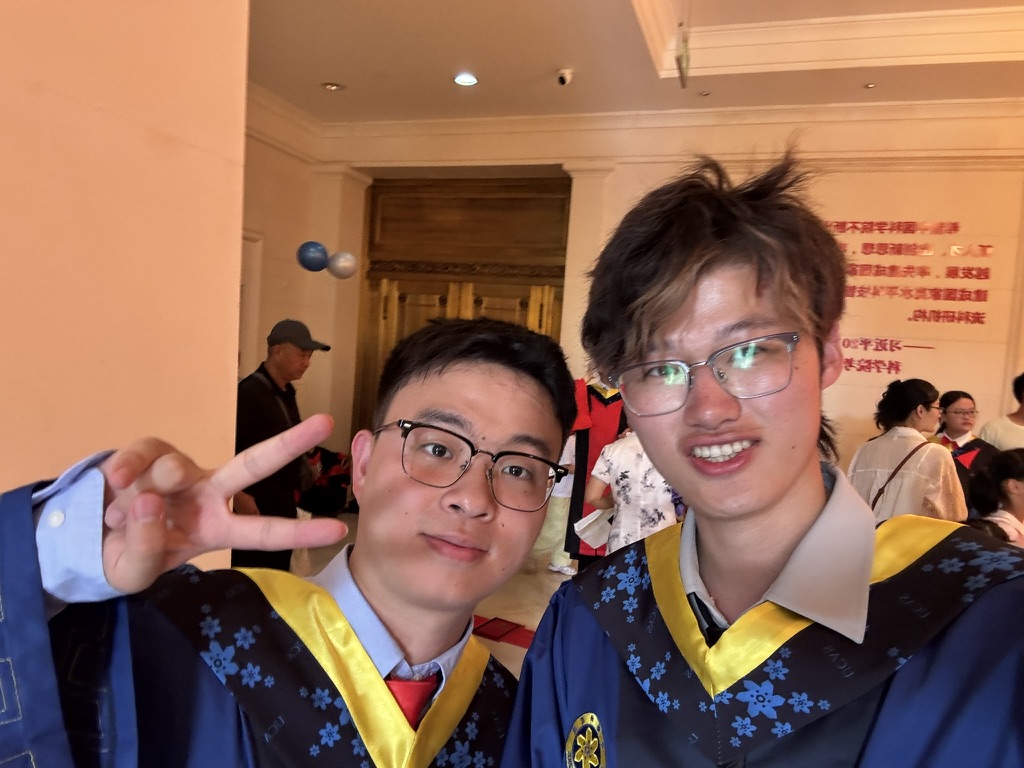
Here are my friends!